
Operation8 min
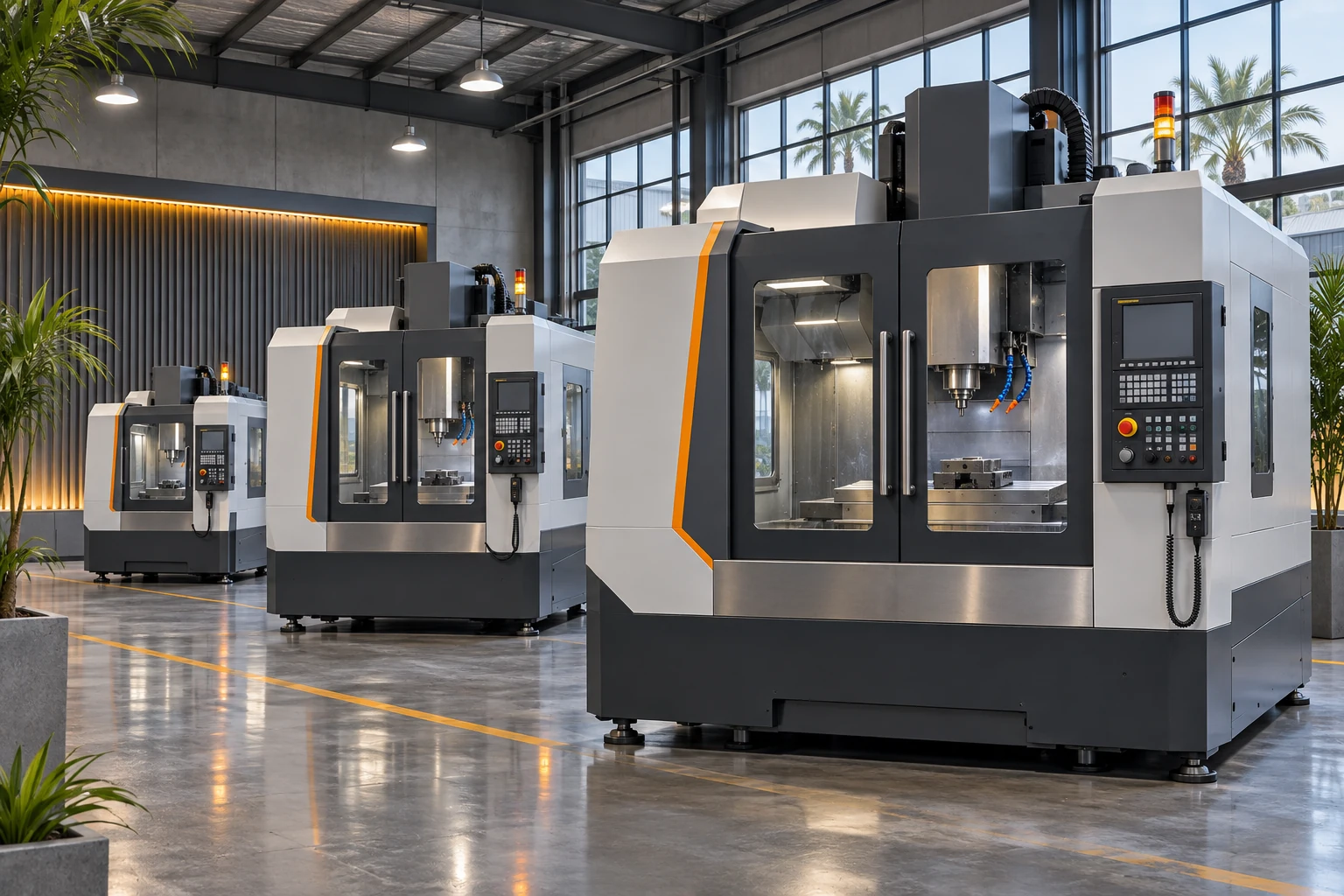
Choosing a vertical machining center for your factory
Travel, spindle speed, taper and controller: the questions to ask before you buy.
Read the article7 min readAlex Power technical team

An alarm is the machine telling you something is wrong. Clear it without understanding it and it will usually come back — sometimes after doing more damage.
Do not reset and restart repeatedly on the same alarm, especially servo and spindle alarms. Every attempt stresses the drive and the motor.
The letters at the start of the code tell you where the problem is:
| Prefix | Group | First step |
|---|---|---|
PS | Program errors | Check the line where the machine stopped |
SV | Servo and motors | Check power and the emergency stop |
OT | Overtravel | Jog the axis back with the handwheel |
SP | Spindle | Stop and call a technician |
DS | Settings and reference | Reference the axis |
OH | Overheating | Check ventilation and fans |
OT0500 — positive overtravelThe axis passed its positive travel limit. Jog it in the opposite direction with the handwheel, then check the program or tool offset that sent it there.
SV0401 — servo not readyUsually a power supply problem or a pressed emergency stop. If power is fine and the alarm stays, the drive itself may be at fault.
DS0300 — reference return requiredAppears after a power cut or an encoder battery change. Reference every axis before running any program.
If the encoder battery runs flat, the machine forgets where its axes are. Change it with the machine powered on so no data is lost — the battery is on our spare parts page.
It saves diagnosis time and often lets the technician bring the right part on the first visit. If alarms keep coming from operating mistakes, operator training makes a real difference.
Travel, spindle speed, taper and controller: the questions to ask before you buy.
Read the articleFrom water quality to wire tension: a quick check before changing parameters.
Read the articleThe assist gas changes speed, edge quality and cost.
Read the article